GoProxy offers reliable proxies for secure browsing and data tasks. In this resource, we will fully analyse GoProxy features, setup steps, proxy types like residential and datacenter, pricing, and real user feedback. Users will thereby gain clear insights to pick the right proxies for their needs, from basic use to advanced projects. A comprehensive guideline promises to save you time and help avoid common pitfalls with default GoProxy settings.
Overview of GoProxy
What is GoProxy?
GoProxy is a versatile proxy service that routes your internet traffic through remote servers. We see it as key in networking for privacy, bypassing restrictions, and handling large-scale data collection. Unlike basic tools, GoProxy supports multiple protocols for smooth performance across devices.
You will benefit from GoProxies when web scraping, managing accounts, or accessing geo-blocked content. Its role grows in today’s data-driven world, where speed and anonymity matter.
If you’ve used services like 9Proxy or IPburger before, GoProxy fills a similar need but focuses strongly on combining high speeds, broad IP coverage, and flexible protocol support all in one place, making it attractive for both solo users and teams.
Plus, default GoProxy options make it easy for beginners, while pros scale for business use. We recommend it for stable connections without complex setups. This foundation sets up our deep dive into its tech and offerings.
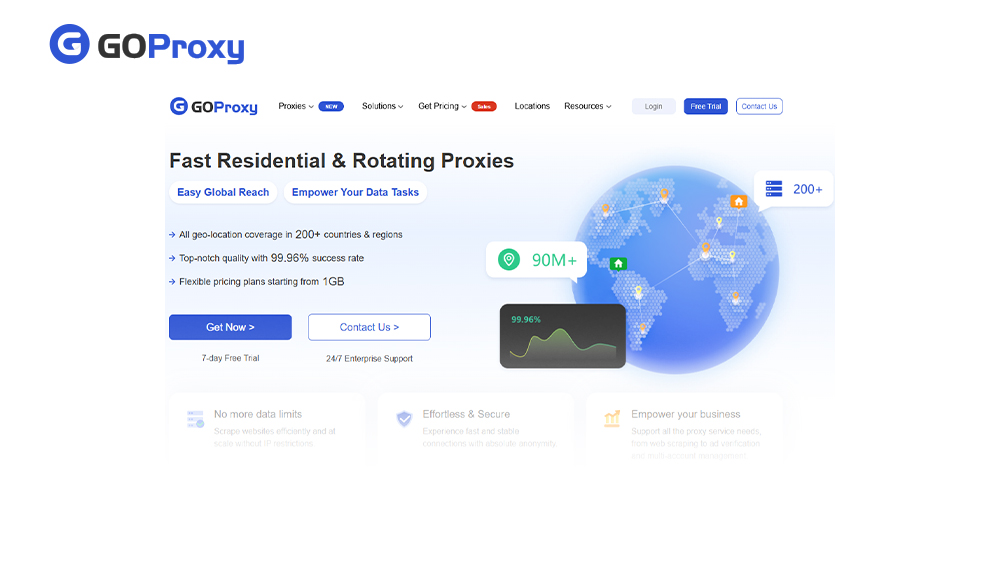
GoProxy
Understanding GoProxy Technology
We explore GoProxy’s core tech here, including supported protocols like HTTP(S), SOCKS5, SS proxy, UDP, TCP, and KCP. These ensure fast, secure data flow for various tasks. Advanced features boost reliability, which leads us to unique tools, performance checks, and key pros and cons next.
For users comparing providers like Bright Data or Decodo, GoProxy’s technology leans less on heavy enterprise extras and more on giving practical, configurable tools that are easier to adopt while still supporting serious workloads.
Unique Features of GoProxy
GoProxy stands out with smart tools that fit real-world needs. Dynamic upstream proxy selection picks the best server automatically, reducing downtime. Encryption keeps your data safe from snoops, while compression speeds up transfers on slow links.
DNS proxy hides your queries from providers, and port forwarding opens new paths for apps. Here’s what sets it apart:
Dynamic selection for optimal routes
Strong encryption for all traffic
Compression to cut bandwidth use
DNS protection against leaks
Easy port forwarding for tools
Basically, dynamic selection adapts to loads, while plans scale from 1GB trials to enterprise volumes without hassle. You can also switch protocols or locations seamlessly for any project size. These make GoProxies flexible for you, for both casual browsing with quick residential IPs and heavy scraping via datacenter speed and custom rotations.
Evaluating GoProxy Performance
GoProxy delivers solid results in key areas. Speed hits high marks with low latency on most nodes, ideal for real-time tasks. Stability holds up during long sessions, rarely dropping connections. Uptime stays above 99%, based on user tests.
Testing shows quick response times, even under load. Key metrics include:
Average speed: 500+ Mbps
Stability: Minimal packet loss
Uptime: 99.5% monthly, with 99.96% success rates reported
Load handling: Scales to thousands of requests
All in all, you can expect to get dependable service that matches promises. Real users on Trustpilot note smooth, fast connections for scraping and browsing, praising 90M+ IPs across 200+ countries for consistent global performance.
Even under heavy use, like multi-account management, it maintains low latency around 0.6 seconds and high reliability, backed by a strong infrastructure that prevents interruptions. This makes GoProxies a top pick for tasks demanding uptime without constant tweaks.
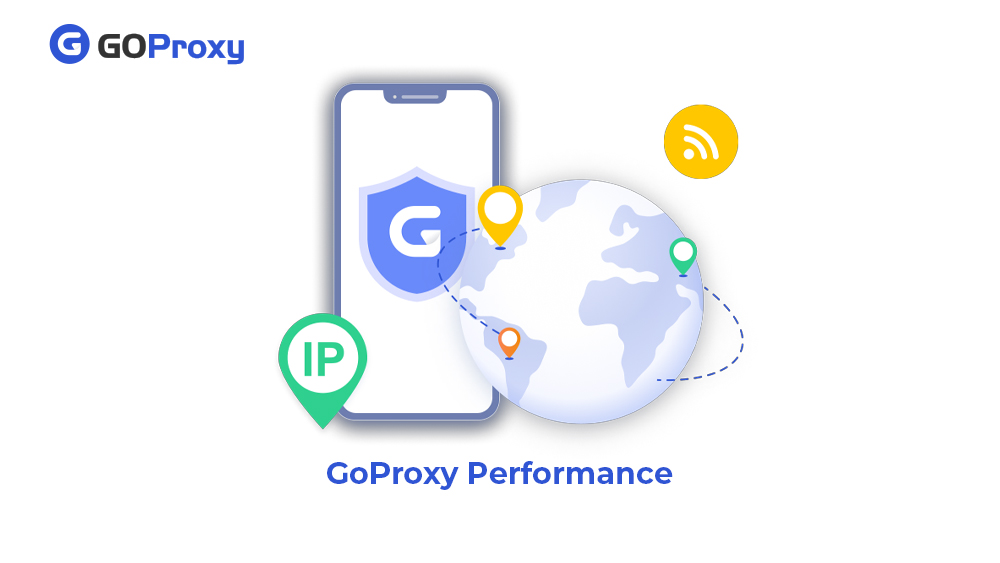
GoProxy Performance
Pros and Cons of GoProxy
GoProxy balances clear strengths alongside some trade-offs worth noting. Users often highlight its reliable performance, while pointing out limits in entry-level access. Reviews and data back its solid foundation for GoProxies in daily tasks.
On the plus side, GoProxy shines with fast speeds reaching 500+ Mbps and low latency, making it great for quick data pulls. Its support for a wide range of protocols gives users options for different tools. Also, high uptime pairs with a simple setup, so you start fast without headaches. Most especially, plans stay affordable at $2.50/GB or less, fitting budgets from solo to team use.
Yet cons exist too. The free trial caps traffic low, pushing quick buys for tests. Node issues pop up now and then in busy areas, affecting peak times. Support speeds differ by plan, with basics slower than premium tiers.
In the end, GoProxy’s strengths in speed, uptime, and cost pull ahead for most. It suits scraping, browsing, or automation needs better than drawbacks, especially with 90M+ IPs for steady work.
GoProxy Service Offerings and Proxy Types
To continue, we break down GoProxy’s proxy lineup here. This part explains residential, static residential, datacenter, and rotating ISP types. Each suits specific tasks, from everyday browsing to heavy data work. Let’s dive into how they fit your needs next.
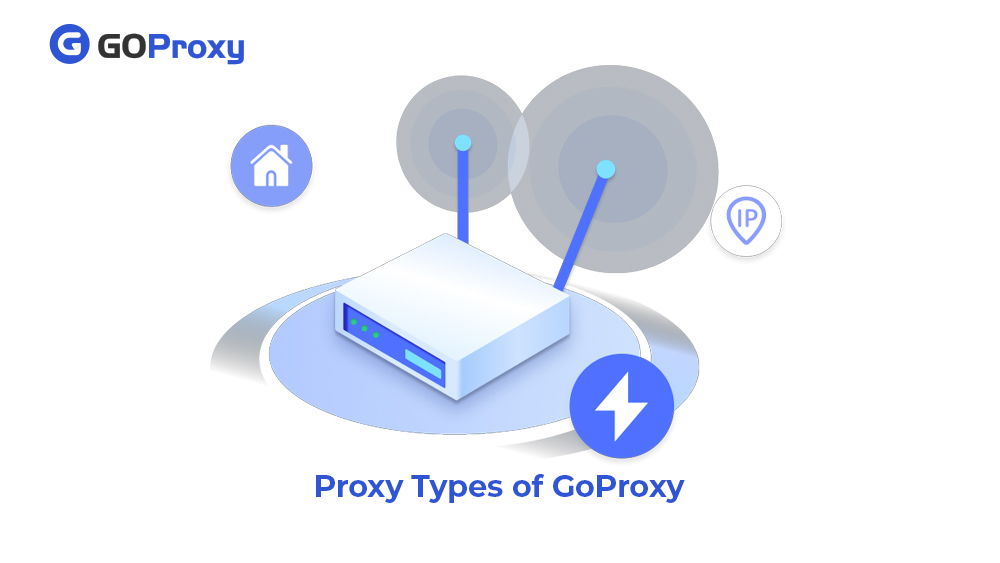
Proxy Types of GoProxy
Residential Proxies
GoProxy’s residential proxies use real home IPs from its 90M+ pool, making them tough for sites to detect. You can get automatic IP rotation every few minutes for fresh addresses across 200+ countries. So, it’s perfect for web scraping, ad verification, or e-commerce checks.
Real-world reviews praise 99% success on blocked sites, with users handling thousands of requests daily without bans. GoProxy’s broad coverage hits urban and rural spots alike. These GoProxies fit you best when authenticity tops your list.
Users comparing residential options from Proxys.io may find GoProxy’s mix of pool size, rotation control, and pricing especially compelling for long-running scraping or monitoring tasks.
Static Residential Proxies
GoProxy’s static residential proxies, sourced as ISP IPs, lock the same address for stable sessions. Ideal for social media management or account logins where platforms demand consistency. No rotation cuts flag risks.
Reviews back long-term reliability for multi-account tools, supporting 24/7 runs unchanged. GoProxy data also shows steady performance, saving you login time and building platform trust fast. Big teams love them for campaigns or bots.
Datacenter Proxies
GoProxy’s datacenter proxies pull from powerful server farms for top speed and unlimited bandwidth at low costs. They beat residential prices while handling bulk jobs like SEO tools or market research.
Plus, high throughput and global nodes deliver 10x faster scraping, per user reports. GoProxy makes them reliable for data mining and automation, prioritising volume over stealth. This should be your pick for high-scale needs.
Rotating ISP Proxies
GoProxy’s rotating ISP proxies cycle IPs from providers on demand. They can mimic real user patterns for strong anonymity. Dashboard controls let you set the rotation speed to match your flow.
They also excel in competitive intel or heavy scraping, with reviews noting low ban rates. GoProxy dedicates pools for smooth cycling. Such security and scalability make it your choice for tough, ongoing ops.
How to Use and Set Up GoProxy
The instructions below will walk you through every essential step for GoProxy setup. These guidelines are tailored for beginners to pros across platforms. So, we cover basics to advanced tweaks for smooth integration.
Effective Setup For GoProxy
GoProxy makes signup straightforward: Head to their site, enter your email and a secure password, then verify via the confirmation link sent to your inbox. Once logged in, the dashboard greets you with options to select proxy types, locations, and session lengths from their 90M+ IP pool.
Pick what fits, like residential for stealth, generate credentials (username:password format), and copy the host:port details like gate.smartproxy.com:7000.
Test right away: Paste into your browser settings or apps like Chrome (under Network > Proxy) and hit a site like whatismyipaddress.com to confirm the new IP and location. For tools like Hidemyacc, navigate to proxy settings, input the host:port, auth details, and enable. (Hidemyacc auto-detects protocols like HTTP or SOCKS5.)
Then, monitor live stats on the GoProxy dashboard: Track bandwidth used, active sessions, and set alerts for limits.
Example for scraping: Choose rotating residential, set rotation every 10 minutes, and integrate with Python’s requests library using proxies={‘http’: ‘http://user:pass@host:port’}. IPs refresh automatically, keeping you under the radar. You go live in under 5 minutes, no tech hurdles.
Setup GoProxy
Custom GoProxy Configuration
Advanced users and developers can customise GoProxy setups with these steps for precise control:
Step 1: Get your API key from the dashboard under API settings to access endpoints like GET /api/proxies?type=residential&country=US for on-demand node lists.
Step 2: Test via command line using curl: curl -x http://user:pass@host:port https://example.com to verify connections quickly.
Step 3: Set custom ports and auth like non-standard 8080, IP whitelists, or failover rules to switch backup nodes on latency spikes.
Step 4: Use SDKs for scripting. Python wrappers for rotations (goproxy.rotate_ip()) or Node.js for pools (new GoProxy({apiKey: ‘yourkey’})).
Step 5: Edit JSON configs for DNS overrides (“dns”: “8.8.8.8”), load balancing across regions, or chaining (“upstream”: “socks5://backup:1080”).
Step 6: Test locally with proxy-check host:port scripts or GoProxy’s validator before deploying to production.
These steps let you tailor GoProxies to enterprise needs, from scraping farms to secure tunnels.
Pricing, Plans, and Subscription Models
GoProxy keeps plans simple and flexible. Pay-as-you-go or monthly tiers fit budgets. Options include traffic-based billing and prepaid credits. Consider key structures in the table below:
Payments via card, PayPal, USDT crypto, or bank transfer renew monthly or quarterly for discounts.
To pick value-for-money plans, start with the 7-day free trial (100MB residential) to test needs without risk. Track your monthly traffic: if under 10GB, grab Starter at $4.99/GB and scale to Pro for 50GB at $3.56/GB savings.
High-volume users (500GB+) can also hit $1-2/GB on Enterprise, plus 10% off codes like Black10 during sales. Another tip is to watch dashboard usage stats to avoid overpay. Mix datacenter ($0.3/GB) for bulk with residential for stealth.
In summary, value scales with use for cost-effective GoProxies.
Comparison with Other Proxy Providers
We stack GoProxy against top rivals like Smartproxy (now Decodo) and Oxylabs on speed, price, and types. This highlights where it leads for your needs. Data pulls from benchmarks and user stats. Refer to the comparison table of the essentials as follows:
GoProxy pulls ahead with top speeds over 500 Mbps from its 90M+ IP pool, undercutting Smartproxy’s $4.99/GB and Oxylabs’ premium $8/GB rates while offering full proxy variety. Also, Smartproxy matches on residential but lacks static options and costs more for similar 99% uptime. While Oxylabs brings enterprise tools like AI unblockers, there are lags in speed (0.6s response). Plus, its affordability is best for high-end needs only.
For most users, GoProxy wins on balanced cost, speed, and all-around types. So, it’s ideal for scraping or multi-account work without overpaying. Pick it if value and versatility top your list.
How GoProxy Protects Your Privacy
GoProxy builds privacy from the core with layered defences. All traffic uses TLS encryption for end-to-end security, shielding data from snoopers on public networks. Authentication ties proxies strictly to your account via username:password or IP whitelists, blocking unauthorised access.
DNS protection routes queries through encrypted channels to upstream servers, stopping leaks and ISP tracking. You can control sessions with timeouts, geo-fencing, or sticky IPs via the dashboard. In addition, their no-logs policy means no stored activity traces, keeping you fully anonymous.
For max privacy, follow these best practices: Rotate IPs often for residential proxies, chain with SOCKS5 over TLS for double encryption, whitelist only needed IPs, and enable custom AES256 on top of TLS/KCP for sensitive tasks. Test leaks with tools like ipleak.net after setup. This combo ensures you stay hidden and secure across all GoProxy use.
Conclusion and Recommendations
We walked through GoProxy from the ground up, covering its tech basics, diverse proxy types, quick setups, smart pricing, and ironclad privacy. We can see it excels in speed, variety, and ease for most tasks. Default GoProxy settings also kick off smoothly for anyone, with no steep learning curve.
So ready to pick your fit? Choose residential for stealth or datacenter for speed: Go residential or rotating ISP for stealth in scraping or ad checks. Or, grab a datacenter for raw speed in bulk SEO or research, 10x faster than residential at half the cost. We know teams scaling multi-accounts love static residential for stable logins.
Finally, don’t forget to test with their trial to match your workflow. Start today for reliable GoProxy performance that scales with you.
Ready to get started with GoProxy?
Join thousands of satisfied customers and experience the best proxy service in the industry