IPBurger is a brilliant provider of premium proxy and VPN services designed to offer secure, private, and reliable internet access for individuals and businesses alike. Known for its vast IP pool and tailored solutions, IPBurger supports diverse use cases, including web scraping, SEO, secure browsing, and more.
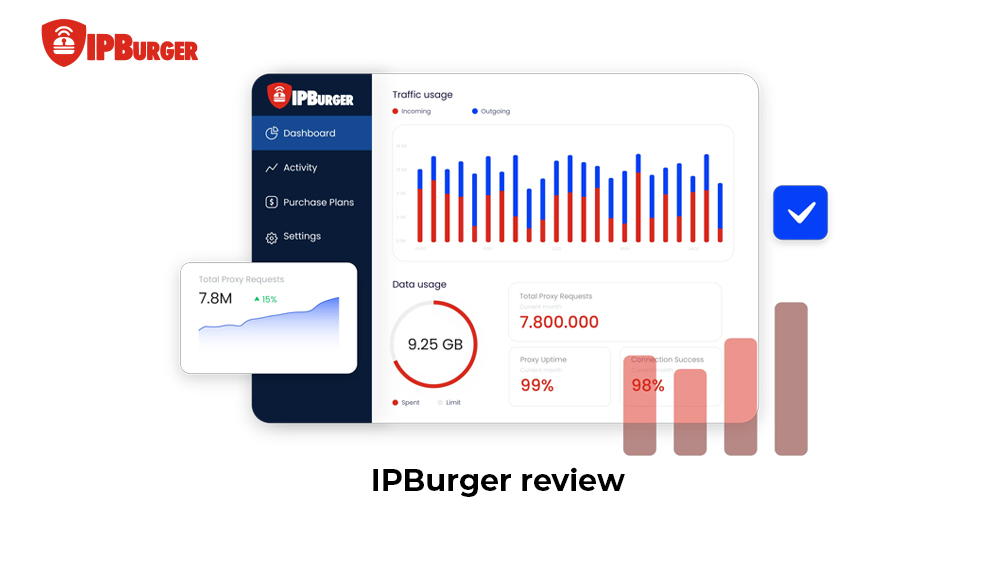
In this definitive IPBurger review, we explore the IPBurger proxy & VPN services tailored for users into web scraping, SEO tasks, or secure browsing. We cover IPBurger pricing, IPBurger Chrome extension, and key features to help you decide if it fits your needs. You can expect clear insights on performance, setup, and value to make smart choices for your projects.
Overview of IPBurger
What is IPBurger?
IPBurger strikes as a reliable proxy and VPN provider focused on high-quality residential IPs. It delivers tools for users needing stable connections without detection. You benefit from options like rotating proxies that mimic real user behavior.
The service targets businesses and individuals handling data collection or geo-unlocking. We also appreciate how IPBurger builds trust through dedicated IPs from real devices. Its setup ensures smooth operations for tasks like market research or ad verification.
Founded with a focus on premium proxies, IPBurger offers scalable plans. You can get access to millions of IPs worldwide, supporting both small projects and large-scale needs. Its emphasis on uptime and speed often puts it in the same conversation as providers like 9Proxy, Luna Proxy, and Geonode.
What is IPBurger
What Services IPBurger Offers
We dive into IPBurger’s full range of services here, from proxy types to VPN and the IPBurger extension. Knowing these details helps you match the right tool to your goals, like bypassing blocks or managing multiple accounts. This overview sets you up for success in privacy-focused tasks.
Types Of Proxy Supported
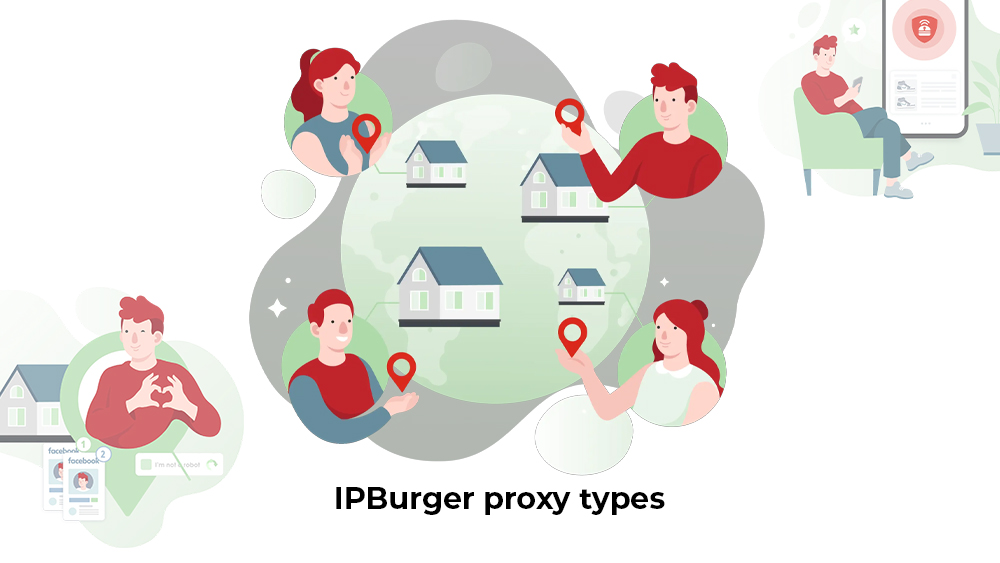
IPBurger supports diverse proxy types, each suited to specific demands. We break them down for you below.
Residential Proxies: These use real home IPs for top anonymity. You use them for scraping sites that ban data centers, like e-commerce price checks.
Static ISP Proxies: Fixed IPs from ISPs offer steady performance. Ideal for social media management where logins need consistency.
Mobile Proxies: Rotate via cellular networks for dynamic access. Perfect for app testing or ad campaigns needing mobility.
Dedicated Proxies: Exclusive IPs guarantee privacy for enterprises. You rely on them for high-stakes tasks like competitive intel.
Each type brings unique benefits, from evasion to reliability. We recommend residential proxies for most users starting out.
IPBurger proxy types
IPBurger VPN Features
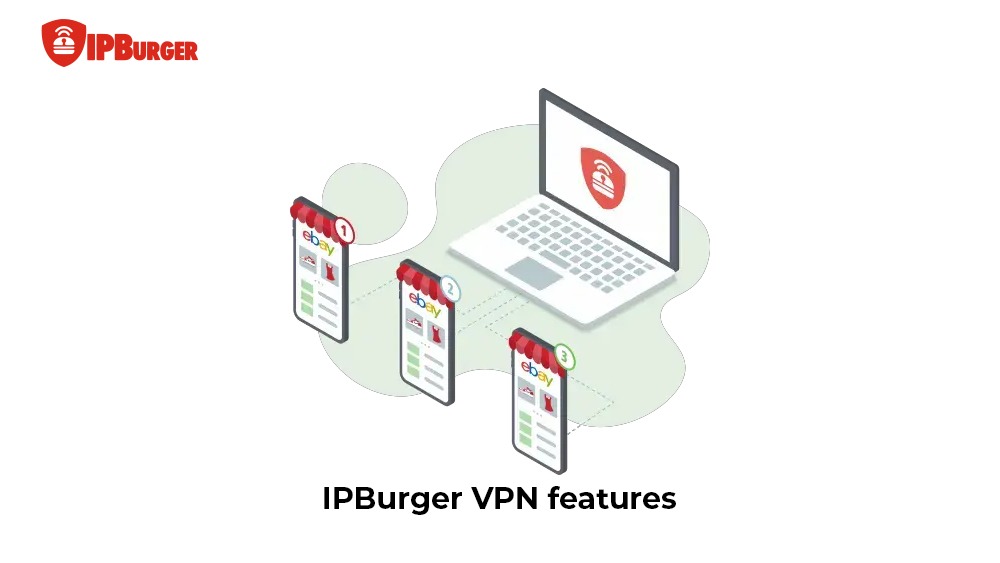
IPBurger’s VPN goes beyond basic proxies by encrypting all traffic. It’s useful for full-device protection, unlike proxies that target apps. You can connect via apps on Windows, macOS, Android, or iOS with one click.
To be specific, the key perks include unlimited bandwidth and 10+ server locations. It hides your IP completely, aiding torrenting or public Wi-Fi use. Compared to proxies, VPNs add kill switches to block leaks during drops. We also note that the no-logs policy enhances trust. You get faster speeds for streaming than shared proxies.
Besides, setup proves simple with single-click browser extension installs from the Chrome Web Store. The intuitive credential entry (server, port, username, password) and toggle controls show no complex configs needed. You can activate protection in under 2 minutes, as shown in official guides and videos. Such an easy setup makes it a solid pick for casual privacy needs.
Plus, differences shine in VPN’s broader coverage versus proxy precision. VPNs protect all your devices’ internet traffic system-wide (full coverage for apps, browsers, etc.) with encryption. Meanwhile, proxies only target specific apps or tasks with precise IP swapping but no device-wide encryption.
IPBurger VPN features
IPBurger Chrome Extension and Browser Support
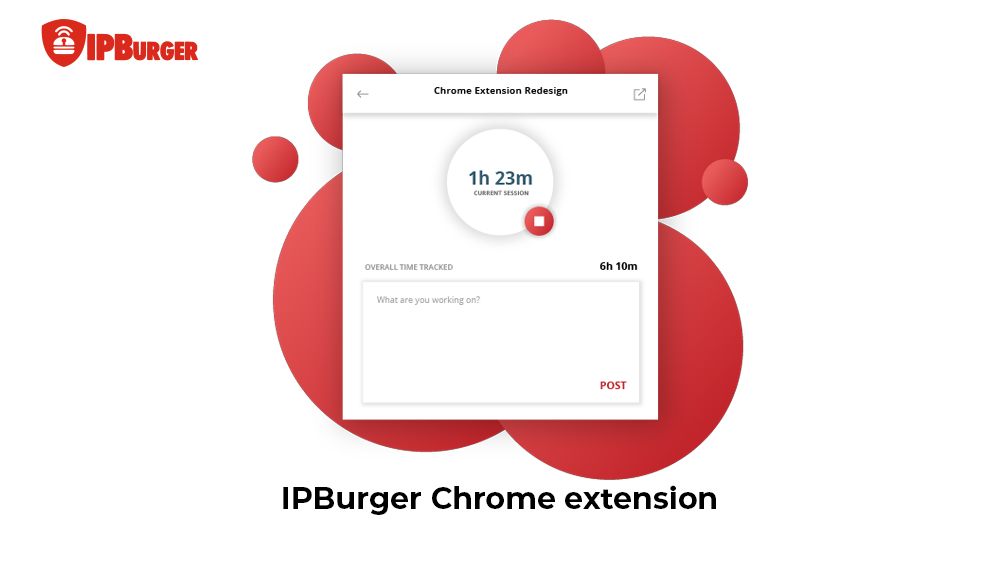
The IPBurger Chrome extension simplifies proxy and VPN use right in your browser. Many value its security tools like auto-connect and kill switch to prevent exposure. In particular, the key features include:
Auto-connect on startup
Kill switch for instant cutoff
WebRTC leak protection
GPS spoofing for location faking
Canvas fingerprint blocking
To set it up:
Install from Chrome Web Store.
Log in with your IPBurger account.
Select proxy type and location.
Toggle VPN mode if needed.
Test connection via IP check site.
This supports Chrome and Firefox. You handle sessions effortlessly for research or shopping. We confirm it boosts productivity without hassle.
IPBurger Chrome extension
How IPBurger Profits Users: Performance and Use Cases
IPBurger delivers real value through strong performance and tailored use cases. Many users transitioning from services such as Proxyline, or 911 Proxy note that IPBurger offers smoother session handling and more consistent rotation for scraping workflows.
Real-World Performance Insights
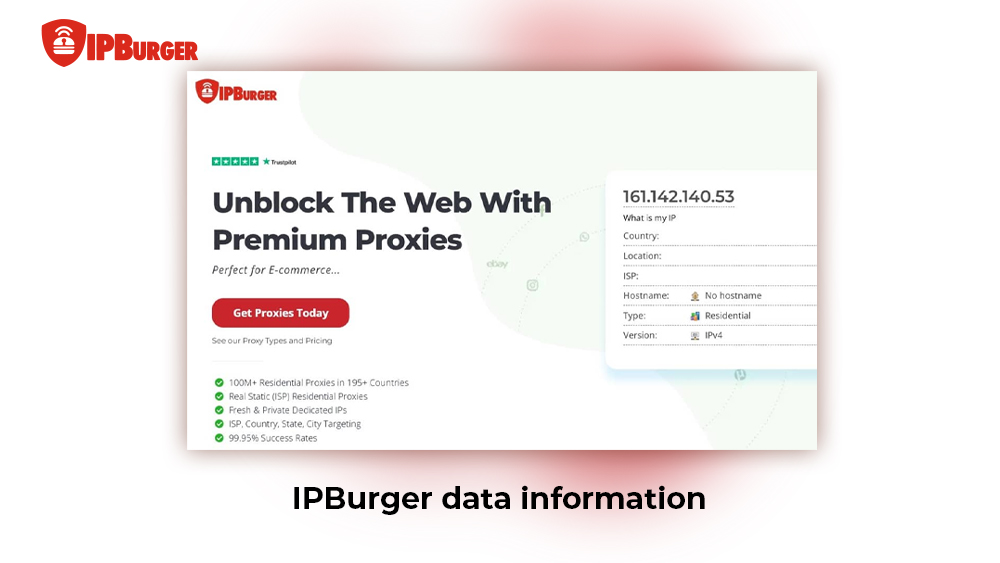
IPBurger shines in real-world tests with solid speed and uptime. We track metrics like average latency under 100ms for residential proxies and 99.9% uptime from user reports. You experience fewer drops during long sessions.
Take a brief look at IPBurger’s key performance insights:
Speed: Up to 10Mbps on residential, ideal for scraping.
Users praise quick IP rotation to avoid bans, too. IPBurger excels in high-volume tasks, though mobile proxies lag slightly in rural areas. This reliability cuts your retry efforts significantly.
IPBurger data information
Use Cases and Practical Applications
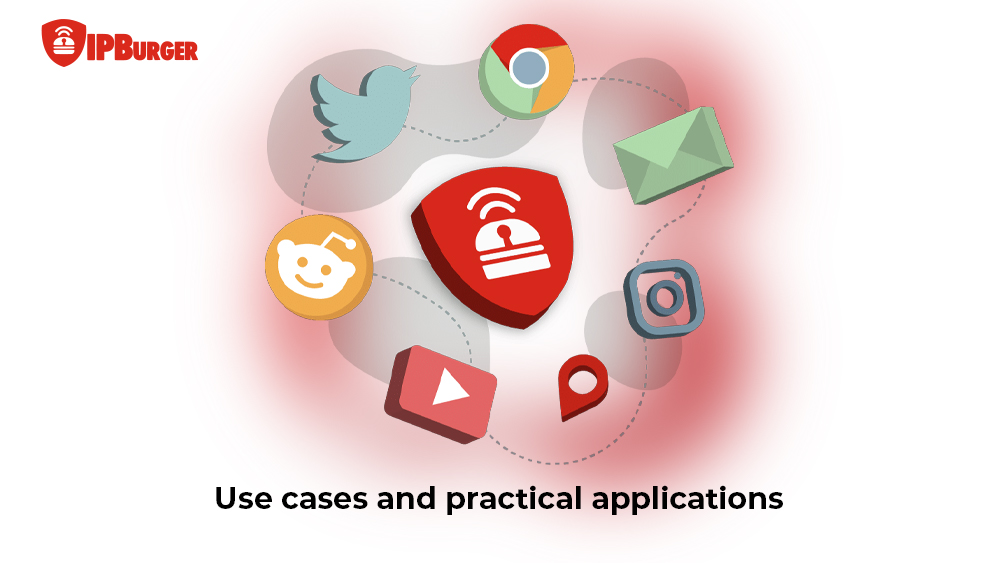
IPBurger fits various tasks with performance tuned to each. We list the top uses below to match your needs.
SEO: Rank tracking and competitor analysis without blocks.
Social Media: Multi-account management with stable logins.
E-commerce: Price monitoring and stock checks across regions.
Streaming: Geo-unlock Netflix or Hulu smoothly.
Performance varies, with which residential leads for evasion and ISP for speed. You can adapt easily, saving hours on manual work. We recommend mixing types for the best results.
Use cases and practical applications
Pros and Cons of Using IPBurger
We weigh IPBurger’s strengths against its limits across features and use. The table below summarizes key aspects for quick reference:
Aspect
Pros
Cons
Performance
Fast speeds, high uptime
Mobile slower in some areas
Features
Diverse proxies, easy extension
VPN locations limited
Usability
Simple setup, browser support
Learning curve for advanced use
Value
Scalable plans
Higher entry cost for small users
In summary, IPBurger’s advantages, like high uptime, diverse proxies, and easy tools, outweigh the drawbacks. So, it’s still an excellent option for professional users needing scale. Yet, new users should test first due to costs. Just consider these aspects carefully to match your needs to its strengths for the best results.
IPBurger Pricing Plans and Value
IPBurger pricing offers flexibility for all levels. We break down costs next, focusing on value per use. Residential starts pay-per-GB, dedicated runs monthly, and are tailored to your volume.
Study the table below for details on IPBurger pricing across services for easy comparison:
Overall, value grows with usage, so it’s best to start small and test your return on investment (ROI) with IPBurger’s pricing plans. Begin with a lower-tier or pay-per-GB plan to evaluate performance, proxy quality, and support responsiveness without a large upfront cost. You can use trial periods or smaller packages to match specific project needs before scaling up.
Another tip is to look for discounts on annual plans and contact support for custom packages to optimize cost-efficiency. Also, choose proxy types aligned with your use case to avoid unnecessary expenses and maximize ROI as your requirements grow.
Lastly, gradually increasing your plan ensures you pay only for what you need while benefiting from premium reliability and features.
IPBurger Security and Customer Support
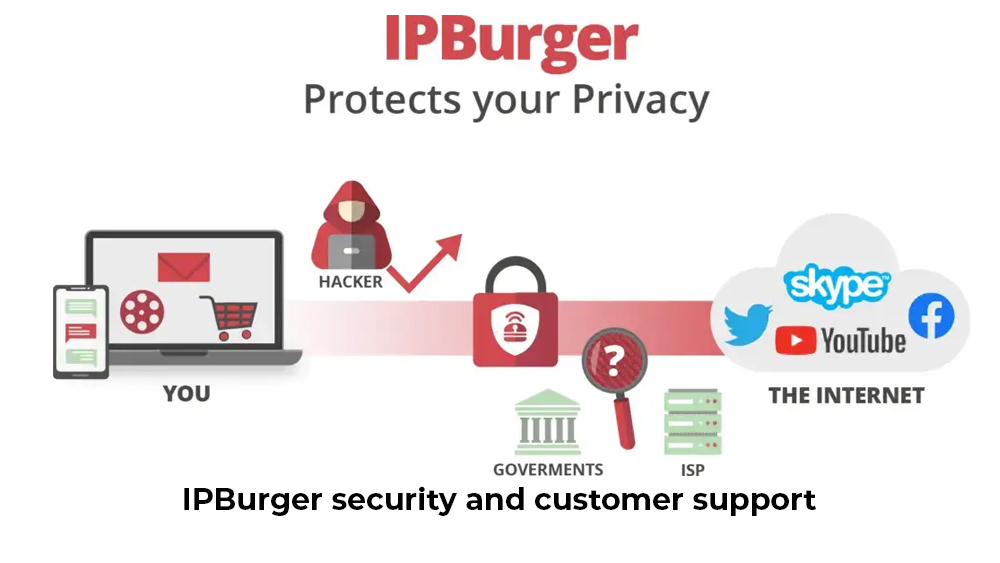
IPBurger prioritizes your security with advanced anonymity tools, including 256-bit AES encryption on all connections and full DNS/IPv6 leak protection. Your real identity, therefore, will be kept hidden.
We also highlight ethical IP sourcing from IPBurger’s opt-in residential networks exceeding 100 million IPs worldwide. This ensures clean, non-blacklisted proxies with a 99.9% success rate and minimal ban risks. You will stay undetected during sensitive tasks like competitive intelligence or account management.
Moreover, support operates 24/7 via live chat (average response under 30 minutes) and email tickets (resolved in 1-2 hours). A comprehensive knowledge base with API docs is available for users, too. Enterprise users can also receive dedicated account managers for custom setups.
User feedback reports 99.5% satisfaction with uptime and resolution speed, fostering long-term trust. This robust combo makes IPBurger reliable for scaled operations.
IPBurger security and customer support
IPBurger Competitors and Alternatives
We compare IPBurger to top rivals for informed choices. Focus stays on key diffs in pricing, speed, and features. The table below contrasts IPBurger with RapidSeedbox, Smartproxy, and Bright Data.
Provider
IPBurger Strengths
Competitor Edge
Best For
RapidSeedbox
Better extension, uptime
Cheaper seedbox bundles
Torrenting/seedboxes
Smartproxy
Residential quality
Lower GB rates
Budget scraping
Bright Data
Ethical sourcing
Larger pool, tools
Enterprise data
You can see IPBurger excels in delivering user-friendly, reliable proxy services. It’s geared towards individuals needing straightforward and effective solutions. Plus, its intuitive setup, broad IP pool, and variety encourage easy adoption without steep learning curves. Conversely, some competitors, despite catering to niche needs or budget constraints, may demand more complex configurations or focus on specific industries.
Choosing between them depends largely on your precise requirements and budget considerations. IPBurger suits those valuing seamless integration and high-quality proxies, while alternatives might better fit specialized or lower-cost use cases. Understanding this balance assists users in selecting the right service aligned with their operational scale and financial priorities.
IPBurger alternatives
Conclusion
IPBurger delivers reliable proxy & VPN tools known for strong performance, scalability, and user-friendly features. With a vast IP pool across thousands of locations, it supports SEO, web scraping, social media management, and privacy-focused tasks. Its advanced session control, ethical IP sourcing, and minimal ban rates also bring consistent, secure access essential for automation and data collection.
We recommend starting with a small plan to evaluate performance and fit so that you can get the best ROI before scaling. Both individuals and businesses benefit from IPBurger’s flexible pricing and robust support. These utilities turn it into a smart choice for long-term online anonymity and efficiency.
Unlock smooth, secure internet operations today by taking advantage of IPBurger’s easy setup and comprehensive features.
Frequently Asked Questions
What measures does IPBurger take to prevent proxy IP bans and blacklisting?
IPBurger rotates IPs automatically after each request or set interval using residential proxies from over 75 million clean IPs worldwide, minimizing detection. Session control tools like rate limiting and user-agent rotation also help you mimic human behavior, dodging bans effectively during scraping.
Can IPBurger proxies be used for large-scale web scraping and data extraction legally?
Yes, IPBurger proxies support large-scale scraping of public data, provided you respect site terms of service and robots.txt. Always check robots.txt files and implement delays to avoid violations. This practice ensures legal compliance for market research or competitive analysis.
How does IPBurger handle user data and privacy in compliance with global regulations?
IPBurger follows a strict no-logs policy, avoiding storage of user activity or connection data to comply with GDPR and CCPA. All traffic uses encrypted connections with 256-bit AES. Thus, your browsing history and personal details will stay fully private.
Are there any bandwidth limitations or fair use policies with IPBurger proxies?
Premium IPBurger plans have no hard bandwidth caps, allowing unlimited data for high-volume tasks. Fair use policies prevent abuse like DDoS attacks, with monitoring to maintain network quality for all users without throttling legitimate traffic.
Ready to get started with IPBurger?
Join thousands of satisfied customers and experience the best proxy service in the industry